Kryptos API documentation

A comprehensive API for accessing cryptocurrency portfolio data, transactions, DeFi holdings, NFT collections, and portfolio analytics.

Overview

Kryptos Connect APIs provide access to:

  • Portfolio Holdings – Track crypto assets across multiple wallets and chains
  • Transaction History – Complete transaction records with advanced filtering
  • DeFi Integration – Lending, staking, farming, and derivatives positions
  • NFT Management – Collection tracking with metadata and sales history
  • Portfolio Insights – Analytics and user classification
  • Tax Calculations – Cost basis, P&L, and tax reporting data

Use Cases

Kryptos Connect is ideal for:

Use CaseDescription
Portfolio TrackersBuild portfolio dashboards that aggregate holdings across wallets and exchanges
Tax SoftwareAccess transaction history and cost basis data for tax calculations
DeFi AnalyticsMonitor DeFi positions, yields, and performance across protocols
NFT PlatformsDisplay NFT collections with metadata, floor prices, and sales history
Risk AssessmentAnalyze portfolio composition for lending, insurance, or compliance
Financial AdvisorsView client holdings with their consent for advisory services

Authentication Options

Kryptos provides two ways to access user portfolio data:

1. OAuth 2.0 Authentication

Standard OAuth 2.0 flow for applications where users authenticate directly with Kryptos. Best for:

  • Web applications with server-side authentication
  • Applications where users already have Kryptos accounts
  • Direct API integrations

OAuth 2.0 Guide →

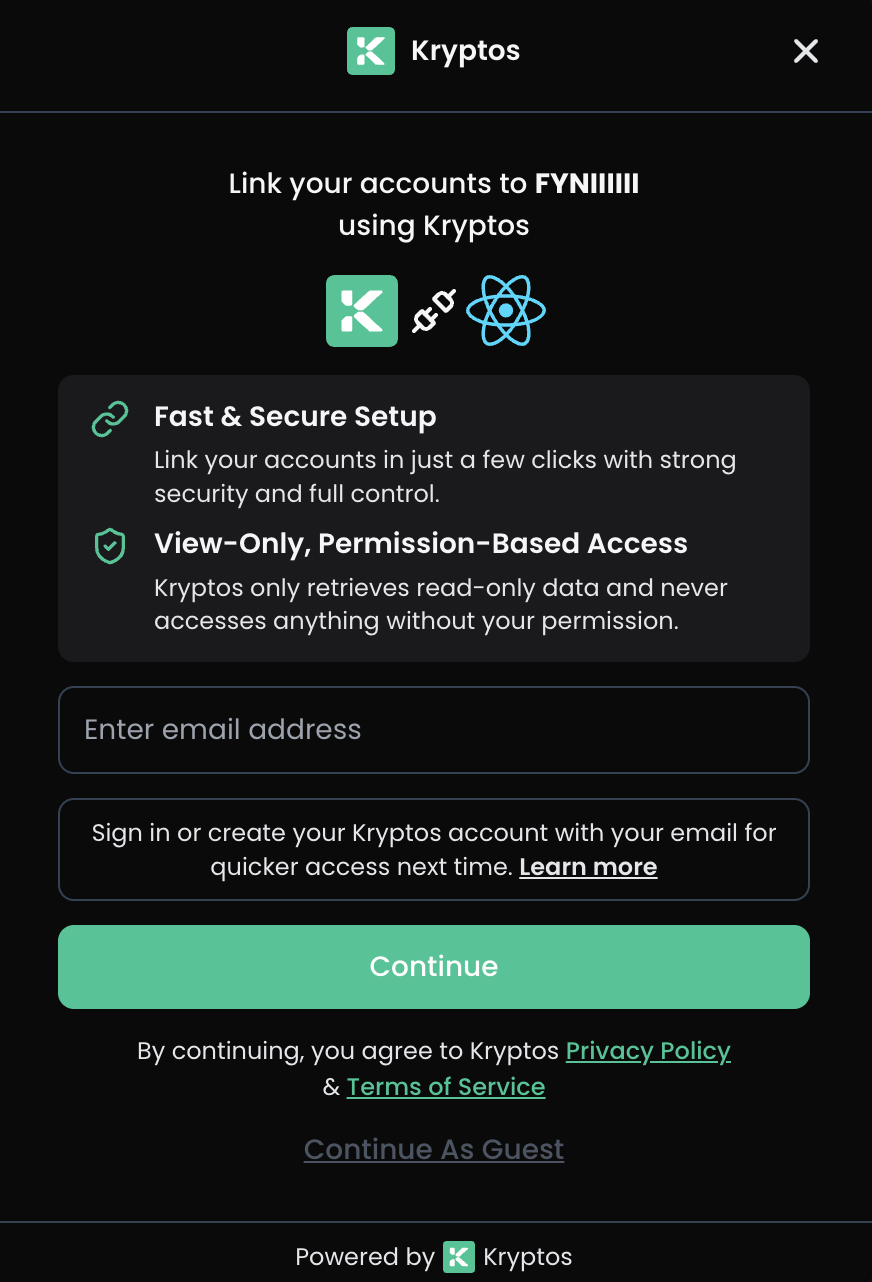
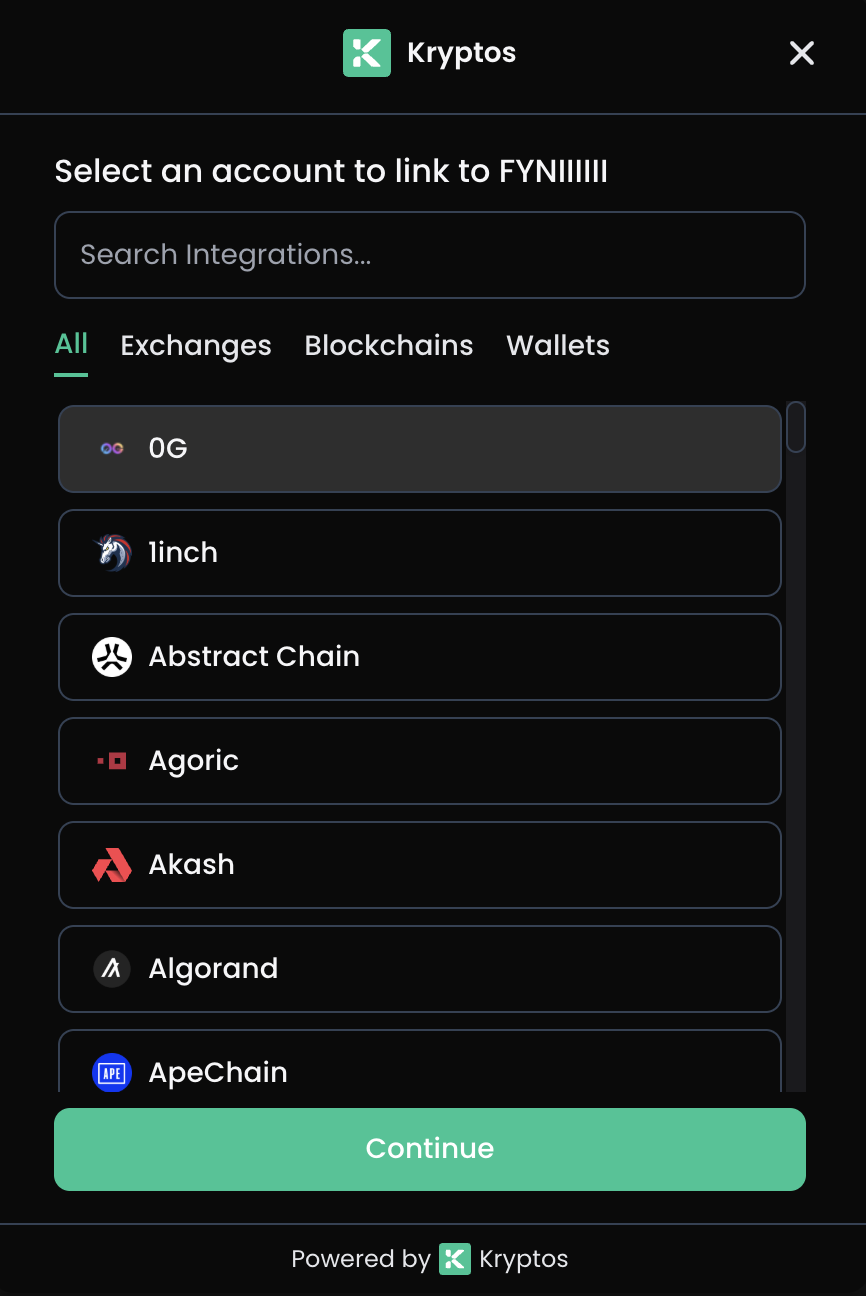
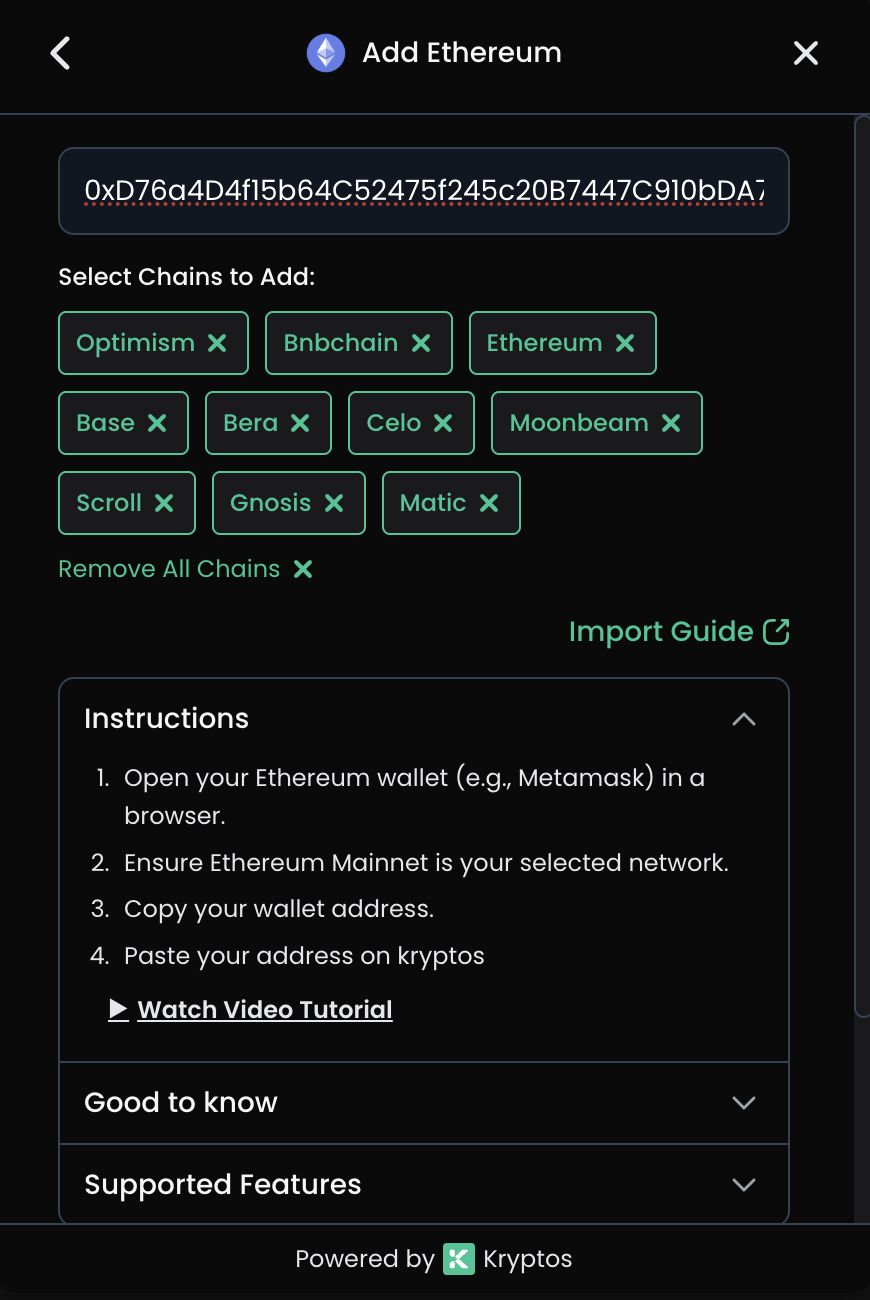
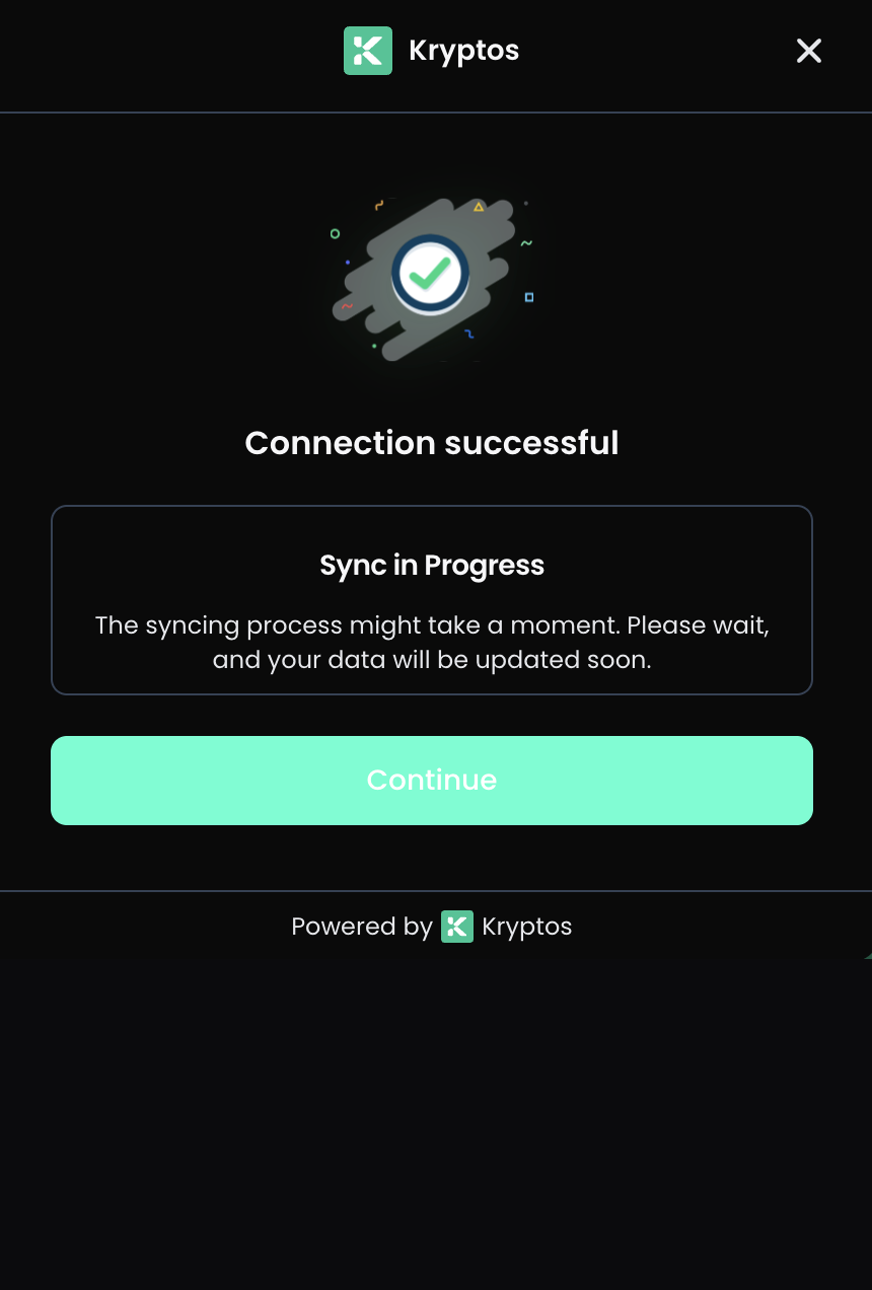
2. Kryptos Connect Widget

A pre-built widget (Web SDK & Mobile SDK) that handles the complete authentication flow. Best for:

  • Embedded integrations in third-party applications
  • Mobile apps (iOS & Android)
  • Quick integration without building custom auth UI
  • Anonymous user support

Key Features:

  • Single widget integration via Web SDK and Mobile SDK
  • Native iOS and Android support
  • User-consented data sharing
  • Standardized data format
  • Granular permission scopes
  • Long-lived access tokens (no refresh needed)

Kryptos Connect Guide →


Get Started:

API Versions

VersionPathDescription
V1/v1/*Modern format with standardized structure
V0/v0/*Legacy format (will be deprecated)

Quick Start

Get up and running in minutes:

1. Sign up on the Developer Portal → Create your account

2. Create a workspace → Set up your development environment

3. Register your application → Obtain client_id and client_secret

4. Implement OAuth flow → Redirect users to authorize access

5. Call the API → Fetch portfolio data with a single request

curl -X GET "https://connect.kryptos.io/api/v1/holdings" \
-H "Authorization: Bearer YOUR_ACCESS_TOKEN" \
-H "X-Client-Id: YOUR_CLIENT_ID" \
-H "X-Client-Secret: YOUR_CLIENT_SECRET"

That's it! You're now ready to access user portfolio data.

Step-by-Step Guide

New to Kryptos Connect? Follow our Developer Portal Setup Guide for detailed instructions with screenshots.

Features

FeatureDescription
11 EndpointsComplete API coverage
2 Auth MethodsOAuth 2.0 & API Key
16 OAuth ScopesGranular read/write permissions
TypeScript TypesFull type definitions

Next Steps

  1. Developer Portal Setup – Create your account and get credentials
  2. Set up Authentication – Configure OAuth 2.0 flow
  3. Explore Endpoints – Browse the API reference
  4. View Types – TypeScript definitions

Support